Convert Website to Mobile App (APK) - 3 Simple Methods
Skip months of native development. Learn three practical methods to convert your website into a mobile app—from PWAs to WebView wrappers.
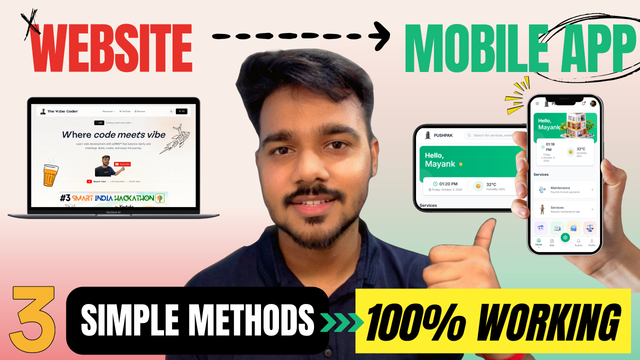
Watch the full video tutorial on my YouTube channel
Got a website? Want it on the app store without spending months learning Kotlin or Swift? You're in the right place. Let's turn that website into a mobile app using three practical methods—no PhD in mobile development required.
Why Convert Your Website to a Mobile App?
Here's the deal: not every project needs a full-blown native app. If your website works great and you don't need hardcore features like bluetooth integration or custom camera filters, why reinvent the wheel?
Quick Benefits
- •Save weeks (or months) of development time
- •One codebase for both web and mobile
- •Instant updates—change website, app updates automatically
- •Perfect for MVPs and simple use cases
Important Disclaimer
This isn't a replacement for proper mobile app development. These methods are great for educational purposes, MVPs, or when your use case is simple enough. For large-scale applications with complex native features, traditional mobile development is still the way to go. Think of this as a shortcut, not a substitute.
The Three Methods
Let's explore three ways to convert your website into a mobile app, from easiest to most customizable:
Progressive Web App (PWA)
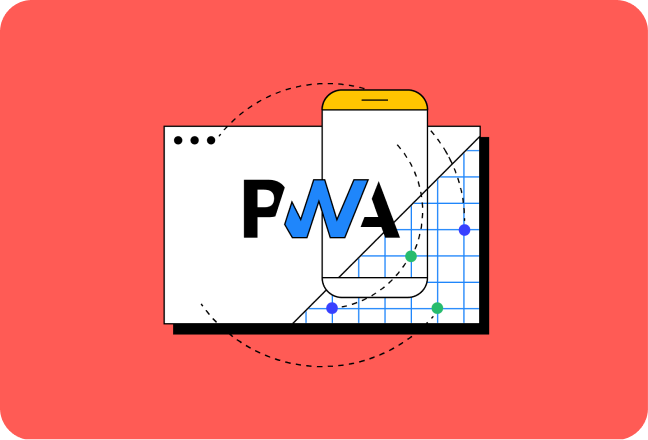
The modern, code-friendly approach. Supported by frameworks like React, Next.js, Vue, and pretty much any modern web framework.
How it works:
Add a manifest.json file to your project, and boom—your website becomes installable. Users get an "Add to Home Screen" prompt automatically.
{
  "name": "Your App Name",
  "short_name": "AppName",
  "description": "Your awesome app description",
  "start_url": "/",
  "display": "standalone",
  "orientation": "portrait",
  "background_color": "#ffffff",
  "theme_color": "#f97316",
  "icons": [
    {
      "src": "/icons/icon-192.png",
      "sizes": "192x192",
      "type": "image/png",
      "purpose": "any maskable"
    },
    {
      "src": "/icons/icon-512.png",
      "sizes": "512x512",
      "type": "image/png",
      "purpose": "any maskable"
    }
  ]
}
Installation Steps:
- Create the manifest.json file in your public folder
- Link it in your HTML:
<link rel="manifest" href="/manifest.json"> - Deploy your site (must be HTTPS)
- Visit on mobile → Install prompt appears automatically
- Or manually: Chrome menu → "Add to Home Screen" → Install
Pro tip: PWAs unlock powerful features like offline support, background sync, push notifications, and service workers. We'll dive deep into these in a future tutorial—trust me, they're game-changers.
Online Website-to-App Converters
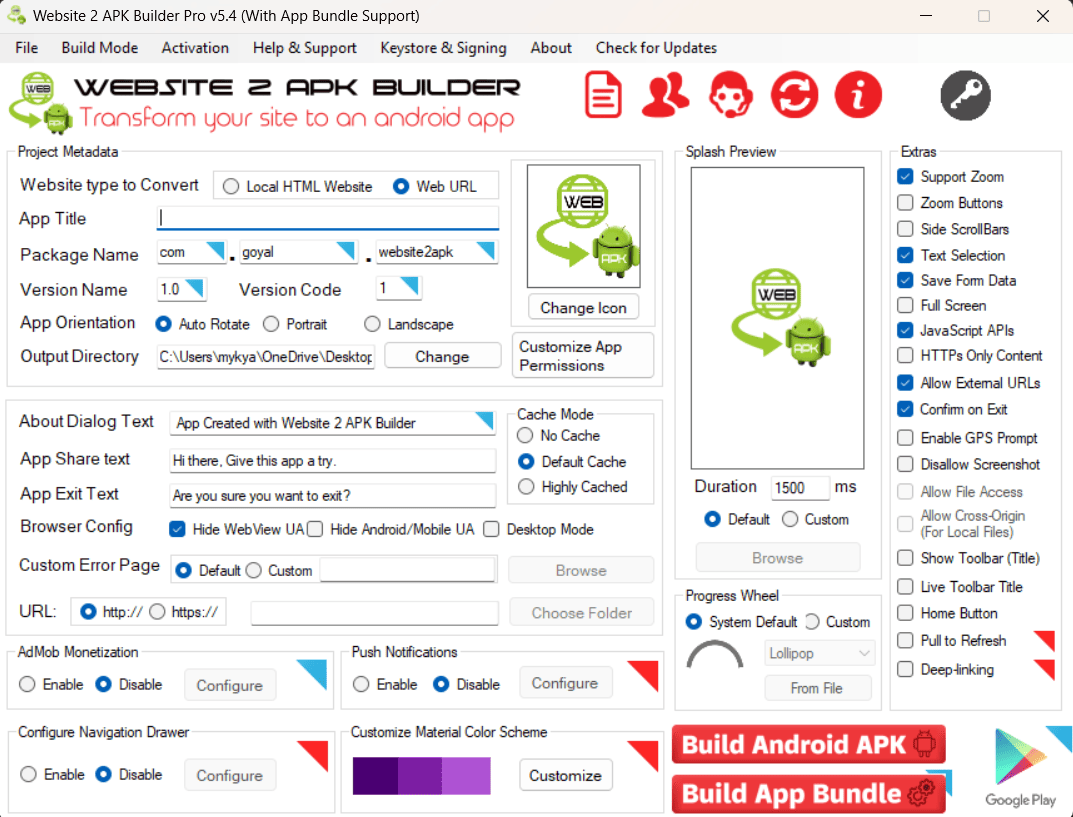
The lazy developer's dream (and I mean that in the best way). No coding required—just fill out a form and download your APK.
How it works:
Use an online converter like websitetoapk.com (my personal favorite). Here's what you need:
Basic Details (Free)
- ✓App name & description
- ✓Your deployed website URL
- ✓App icon & splash screen
- ✓Lock orientation
- ✓Disable screenshots
Premium Features
- ✓Push notifications
- ✓AAB bundles (Play Store)
- ✓Pull to refresh
- ✓Custom splash delays
- ✓Ad integration
The Process:
- Visit the converter website
- Fill in your app details
- Upload icons (512x512 recommended)
- Enter your deployed website URL
- Configure settings (orientation, status bar, etc.)
- Click "Generate" → Download your APK
Reality check: This is essentially a WebView wrapper with a fancy bow. Great for quick demos or simple apps, but don't expect native performance miracles.
Custom WebView Wrapper
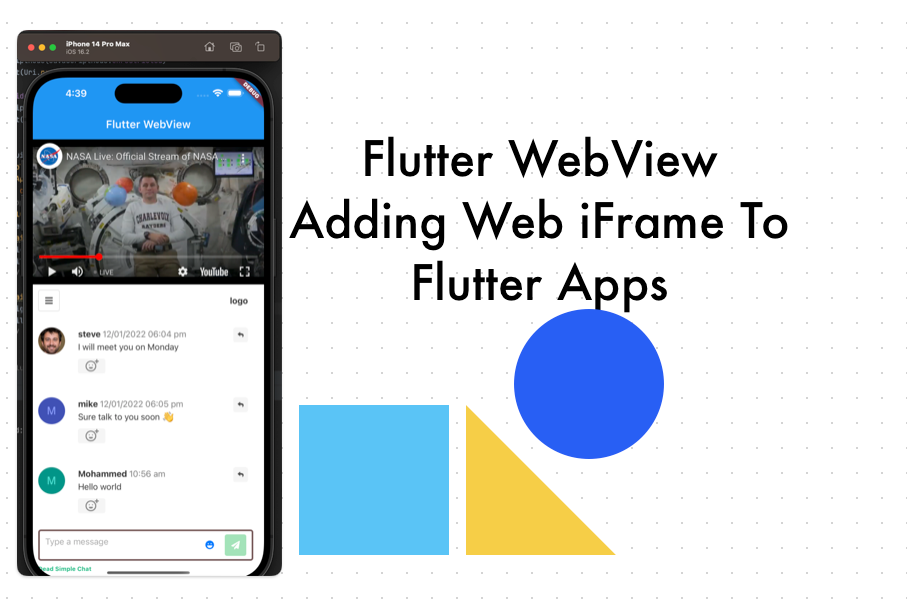
For developers who want control. If you know React Native or Flutter basics, this method gives you the best of both worlds.
How it works:
Create a native app shell that renders your website inside a WebView component. You get to use native Android/iOS features while keeping your web codebase intact.
Quick Setup (React Native):
import React from 'react';
import { WebView } from 'react-native-webview';

export default function App() {
  return (
    <WebView
      source={{ uri: 'https://your-website.com' }}
      style={{ flex: 1 }}
      javaScriptEnabled={true}
      domStorageEnabled={true}
    />
  );
}
Quick Setup (Flutter):
import 'package:flutter/material.dart';
import 'package:webview_flutter/webview_flutter.dart';

class MyApp extends StatelessWidget {
  @override
  Widget build(BuildContext context) {
    return MaterialApp(
      home: Scaffold(
        body: WebView(
          initialUrl: 'https://your-website.com',
          javascriptMode: JavascriptMode.unrestricted,
        ),
      ),
    );
  }
}
Why Choose This Method?
- +Native features access: Camera, GPS, notifications, file system, etc.
- +Cross-platform: One codebase for Android and iOS
- +Full control: Customize splash screens, loading states, error handling
- +Hybrid approach: Mix web content with native UI components
Best for: Developers who want flexibility without rebuilding everything from scratch. You get native capabilities when needed, but your web app does the heavy lifting.
Quick Comparison
| Method | Difficulty | Native Features | Best For |
|---|---|---|---|
| PWA | Easy | Limited | Modern web apps, quick deployment |
| Converter | Very Easy | None | Quick demos, MVPs, no-code solution |
| WebView | Medium | Full Access | Apps needing native features |
Final Thoughts
There you have it—three solid ways to convert your website into a mobile app without losing your sanity. Each method has its place:
- PWA: You're building a modern web app and want installability with minimal effort
- Converter: You need an APK yesterday and don't care about native features
- WebView: You want the best of both worlds and have some mobile dev chops
Remember, these aren't silver bullets. They're practical shortcuts for specific use cases. If you're building the next Instagram, yeah, go native. But for blogs, portfolios, simple tools, or MVPs? These methods will save you months of development time.
Next Steps
- Choose the method that fits your skill level and project needs
- Test your app on actual devices (not just emulators)
- Optimize your website for mobile viewports
- Consider app store guidelines before distribution
- Keep your website updated—remember, it's the source of truth
Now stop procrastinating and go build something. Your website's been waiting to become an app. 🚀
Want More Mobile Dev Tips?
Subscribe to The Vibe Coder for practical tutorials on web and mobile development. No fluff, just real-world solutions that actually work.